Online Banking test
First Citizens online banking lets you ‘Do It Yourself’!
You can bank anytime, anywhere, which is faster and simpler.
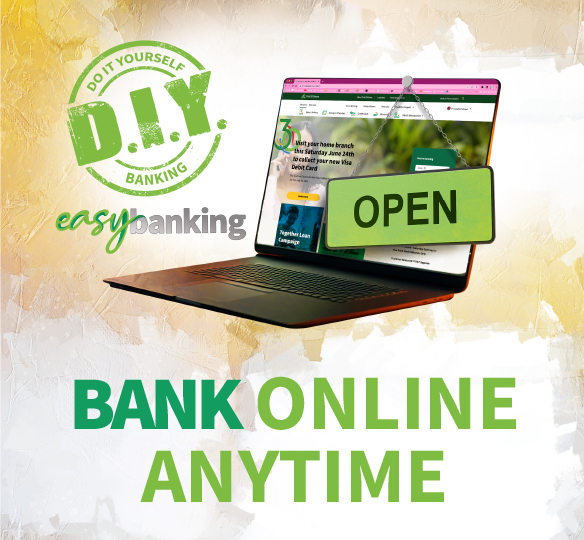
Signing Up for First Citizens Online Banking is Easy
Get Started with Online Banking
New customers at First Citizens Bank must open an account and complete all the required information.
01 Open a Bank Account
New customers to First Citizens bank are required to open an account and complete all the required information. You will be contacted by an Online Banking representative to visit the Branch to complete the registration process.
02 Register for Online Banking
When or if your account is active, complete the First Citizens Online Banking Registration form.
03 Signature and ID Verification
Send us your signed print of the Interactive Banking Services Agreement and attach a copy of your Identification.
Send Form: E-Business Unit1st Floor, 62 Independence SquarePort of Spain
Features of Online Banking

View your accounts
View your First Citizens account(s), inclusive of Credit Card(s) and Loan balances as well as your transaction history anytime.
Pay your Credit Card and make Payments
Make payments to your First Citizens Credit Card(s) and over 30 institutions, including other Banks, Financial Institutions, Utility Companies and more….

Transfer funds to friends and family
Transfer funds quickly between your First Citizens accounts and other local banks!

View, download and print your monthly eStatement
Easily view, download and print monthly statement(s) for your deposit account(s).